AI in mobile test automation: devices, one-time codes and digital twins
AI agents change how mobile tests are written, but the device and the SMS code still decide whether a flow can be tested. What agents add, where virtual devices and digital twins help, and when you need a real phone with a real SIM.
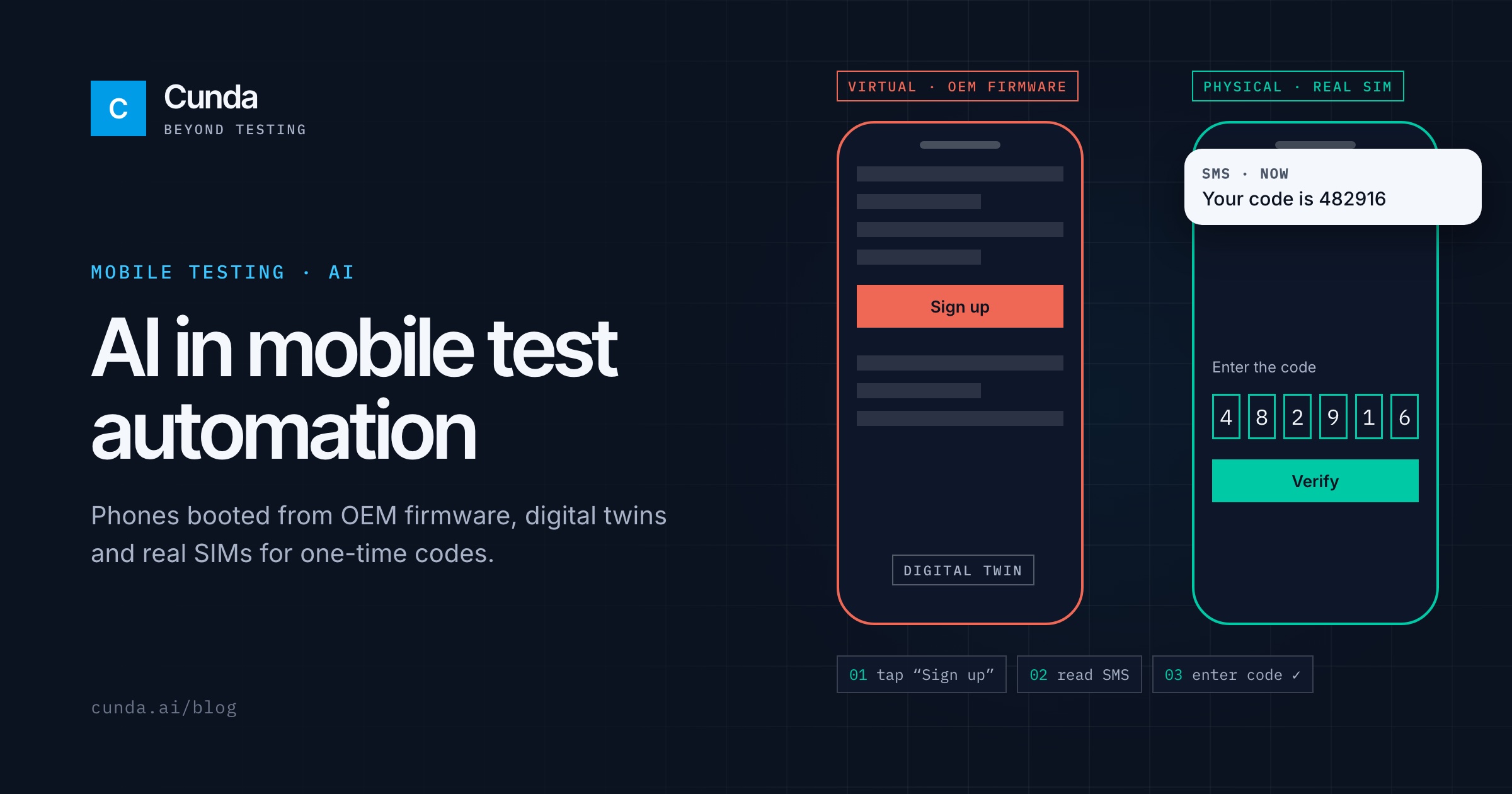
Mobile testing has two problems that web testing mostly avoids: the device and the outside world. An app behaves differently on a Samsung running One UI than on a Pixel, and the most important flows, such as sign-up, login and payment, often wait for a one-time code sent by SMS. AI agents change how tests are written, but they do not remove these two problems. A mobile setup has to solve them first.
What an AI agent adds to mobile testing
With prompt-driven execution you describe a scenario in plain language, for example "sign up with a new number, confirm the code and open the profile screen", and an agent drives the app step by step. It reads the screen, decides the next tap, checks the outcome and records screenshots, video and its reasoning. When a button moves in a new release, the agent can still find it from the goal of the step instead of a fixed locator.
The same scenario can run on Android and iOS, which matters for teams that keep two separate script suites today.
The device: real, virtual or a twin
A generic Android emulator runs a generic Android build. Your users run the phone maker's own system: Samsung One UI, Xiaomi HyperOS, the Pixel build. Many bugs live in that layer, in system dialogs, keyboards, permissions and display settings.
DeviceOps boots virtual Android devices from official OEM firmware on Arm servers, so a test sees the same interface and system apps as a real phone of that model. It can also create a digital twin: connect a real phone over adb, and DeviceOps opens a virtual copy on the same model's firmware with its apps and selected settings. Twins can be snapshotted, reset and cloned for the whole team.
Virtual devices have limits. Camera, cellular modem, sensors and the hardware security chip are virtual, so features that depend on real secure hardware, such as Samsung Knox, mobile wallets and strong Play Integrity attestation, need a physical phone. A practical setup uses both.
One-time codes and real SIM cards
A login flow that waits for an SMS cannot be tested end to end on a phone without a SIM. RunningOps and TestingOps run these flows on physical phones with real SIM cards: the run reserves a number, reads the operator's SMS on the device and continues with the code. The phones can sit on your own hosts, inside your network.
What to check before you automate mobile flows with AI
Does the device pool match the models your users actually have?
Can the same prompt run on virtual devices and on physical phones?
Can a run read a real one-time code, or does the flow need a test backdoor?
Does each run keep video and the agent's reasoning, so a failure can be reproduced?
Which features need a physical phone, and is that list written down for each device image?
The questions that apply to any AI testing tool, from grounded steps to model cost, are in our AI test automation guide.